
AutoCAD alike User Interface
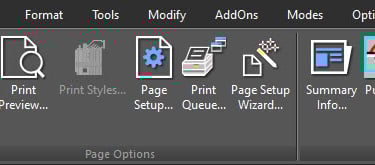
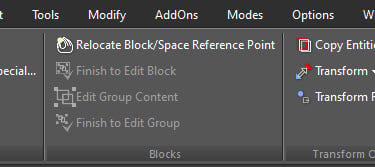
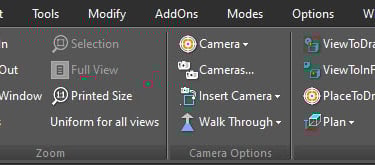
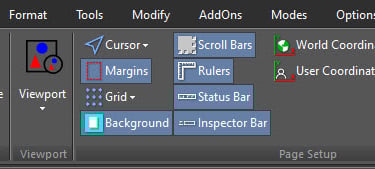
The AutoCAD alike user interface can be selected the first time you use xCAD through a Pop-up which appears at the start-up of xCAD from where user is asked to choose the User Interface. User Interface setting can be changed either via this Pop-up, if left enabled, or through the Customize tool in Page Setup of the Workspace Menu of the Ribbon.
File menu:
Edit menu:
View menu:
Workspace menu:
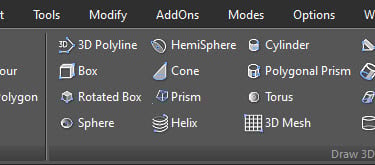
Draw menu:
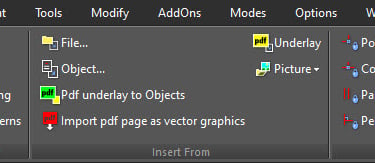
Insert menu:
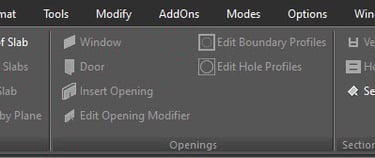
Architecture menu:
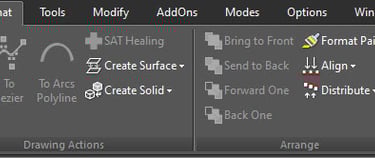
Format menu:
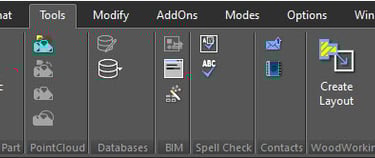
Tools menu:
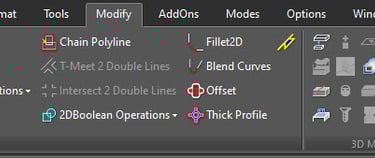
Modify menu:
Add-Ons menu:
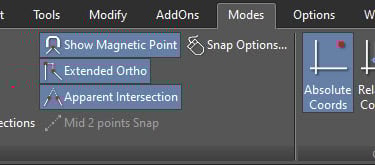
Modes menu:
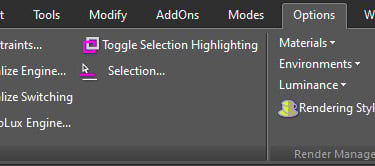
Option menu:
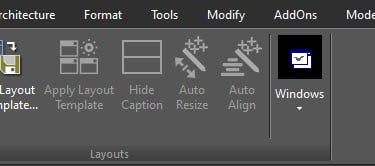
Window menu:
Help Menu:















Contact
Reach out for support or inquiries.
SUPPORT: support@xcad3d.com
© 2026. xCAD Technologies. All rights reserved.
SALES: sales@xcad3d.com
Products
Policies
Address: 142-7075 Place Robert-Joncas, Montréal QC H4M 2Z2, Canada


Founded in 2013, xCAD delivers powerful yet affordable CAD and home design software, and has been a pioneer AEC (Architecture, Engineering, and Construction) industry for over a decade.