


Innovation Meets Quality
Infinite Design Capabilities.
xCAD®
xCAD® | Experience a new world of design capabilities. From precise 2D drafting to complex 3D modeling, we equip engineers and architects with the ultimate CAD software suite. Learn more & shop today.
Explore Editions


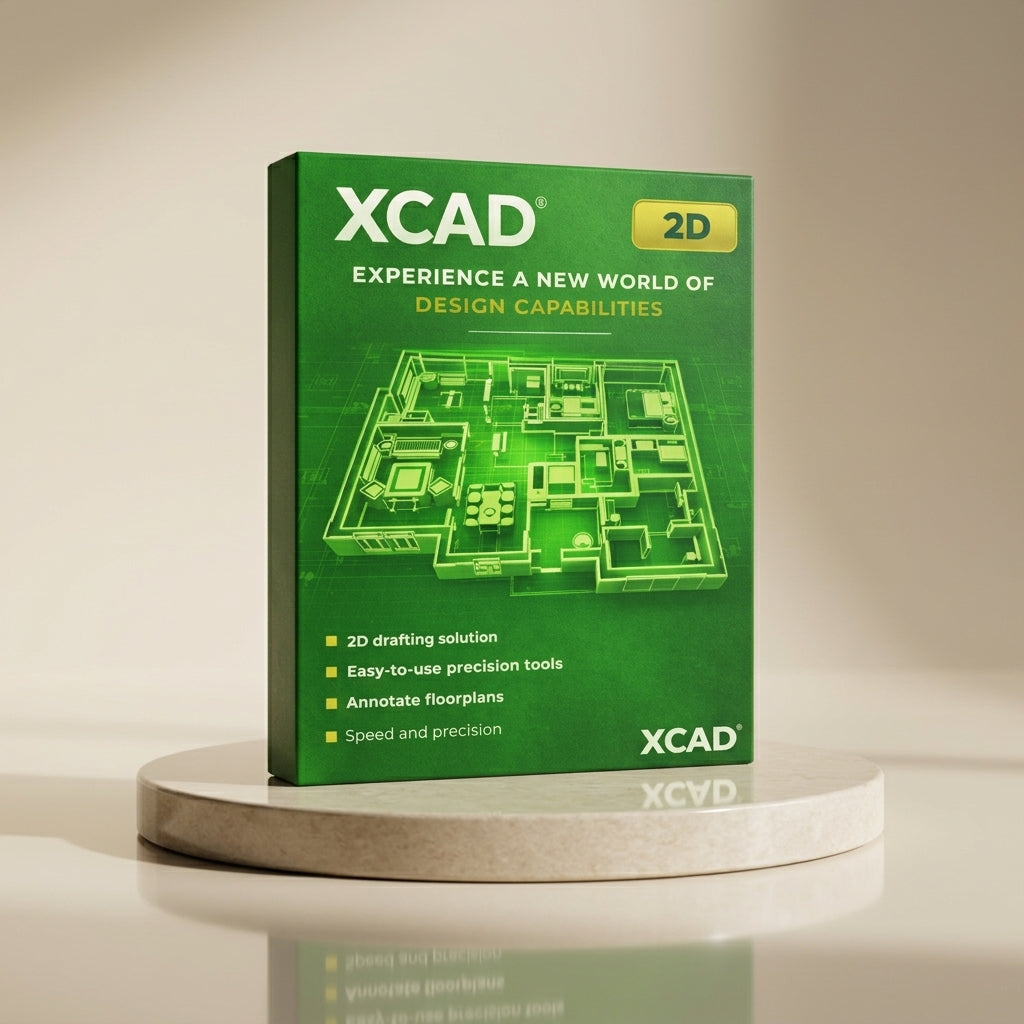
Streamline Your Workspace.
Infinite Design Capabilities.
Blog posts
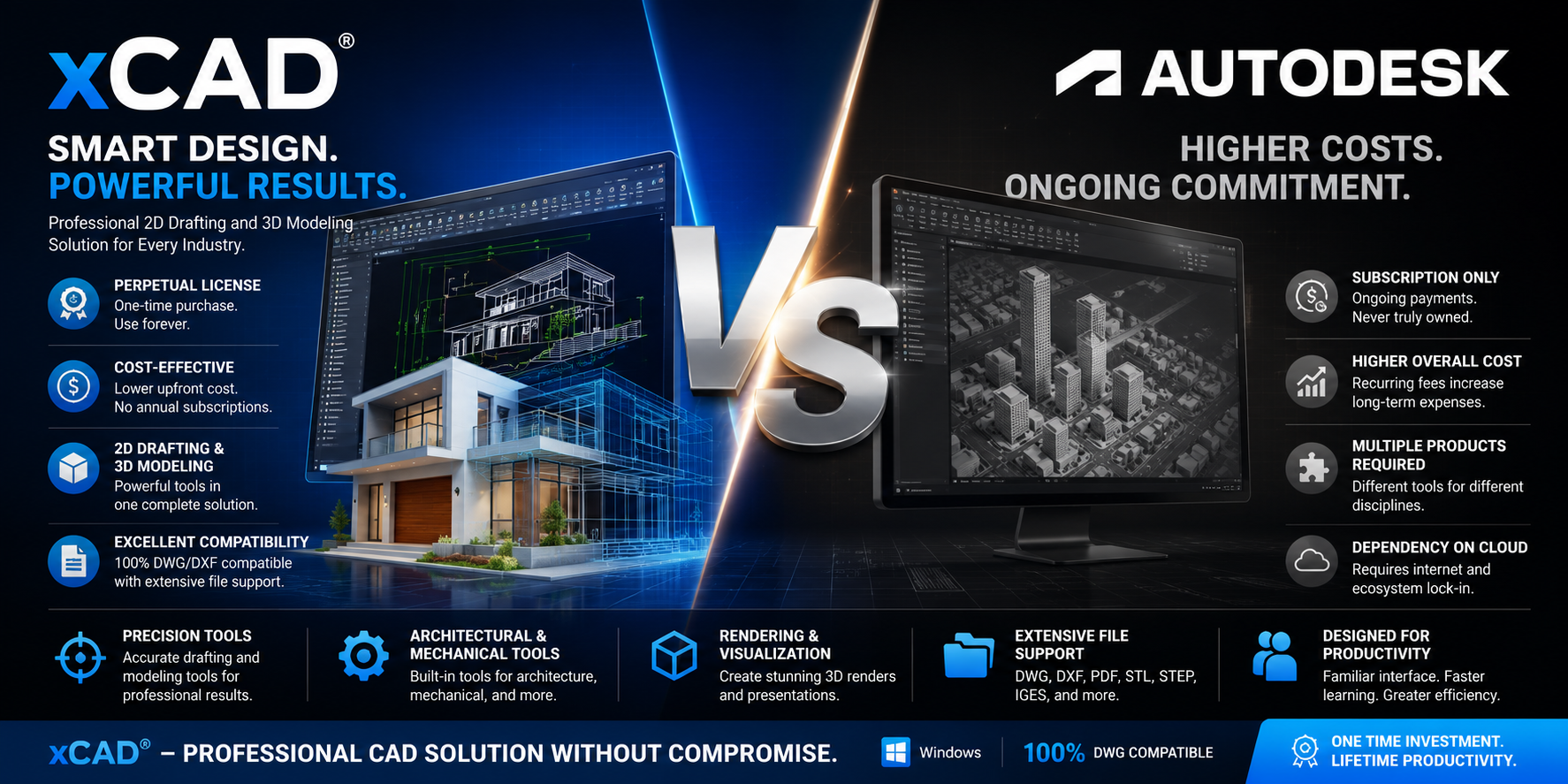
When xCAD Is the Better Choice over all Autodesk Products?
Discover the key advantages of xCAD over Autodesk, including perpetual licensing, lower costs, powerful 2D drafting, 3D modeling, and broad file compatibility.
Read more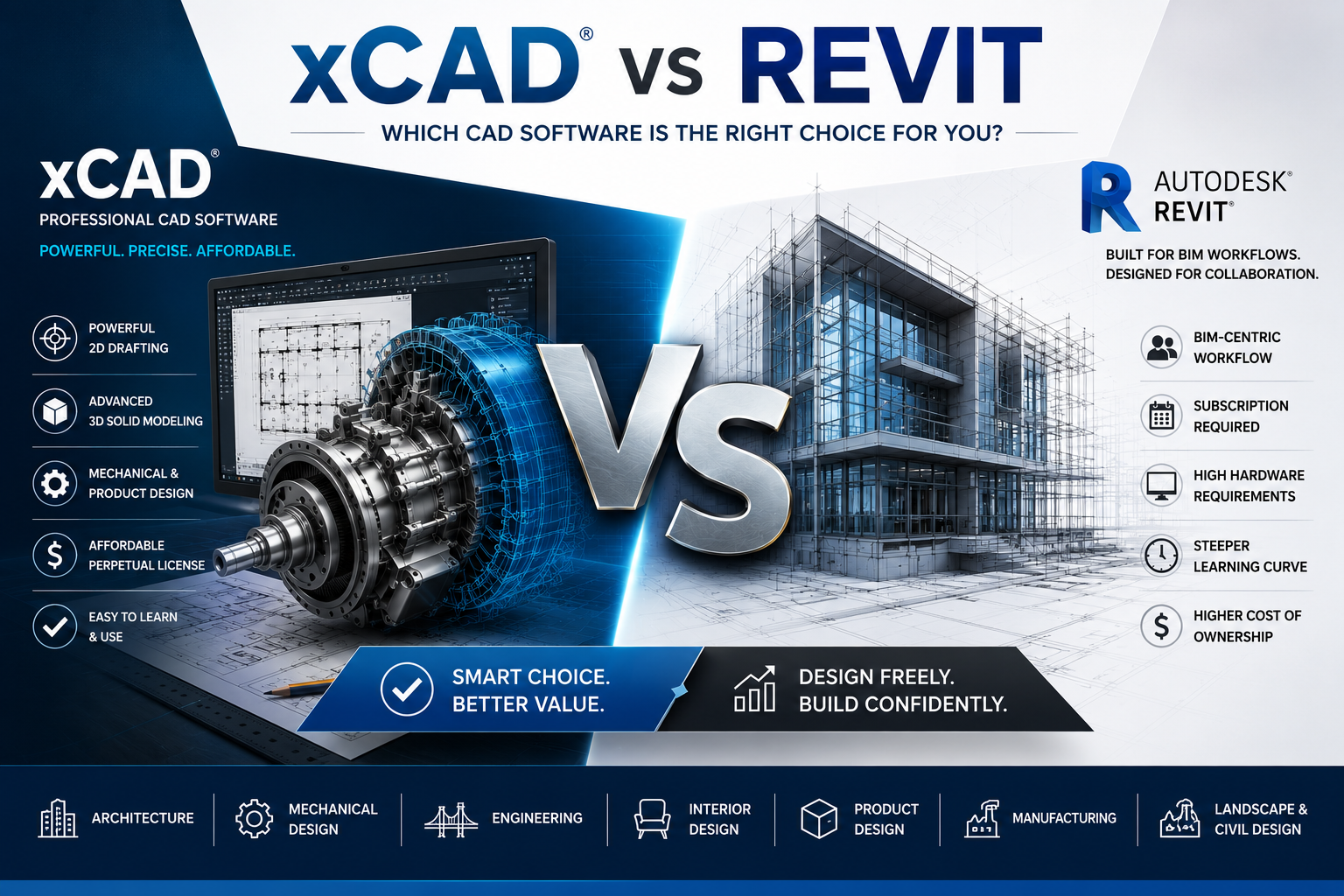
xCAD vs Autodesk Revit (2026): Why xCAD Is the Smarter Choice for Cost-Effective Professional Design
xCAD vs Revit (2026) | Advantages of xCAD Over Autodesk Revit - Compare xCAD vs Autodesk Revit and discover why xCAD is the best affordable CAD software for architects, engineers, designers, and dr...
Read more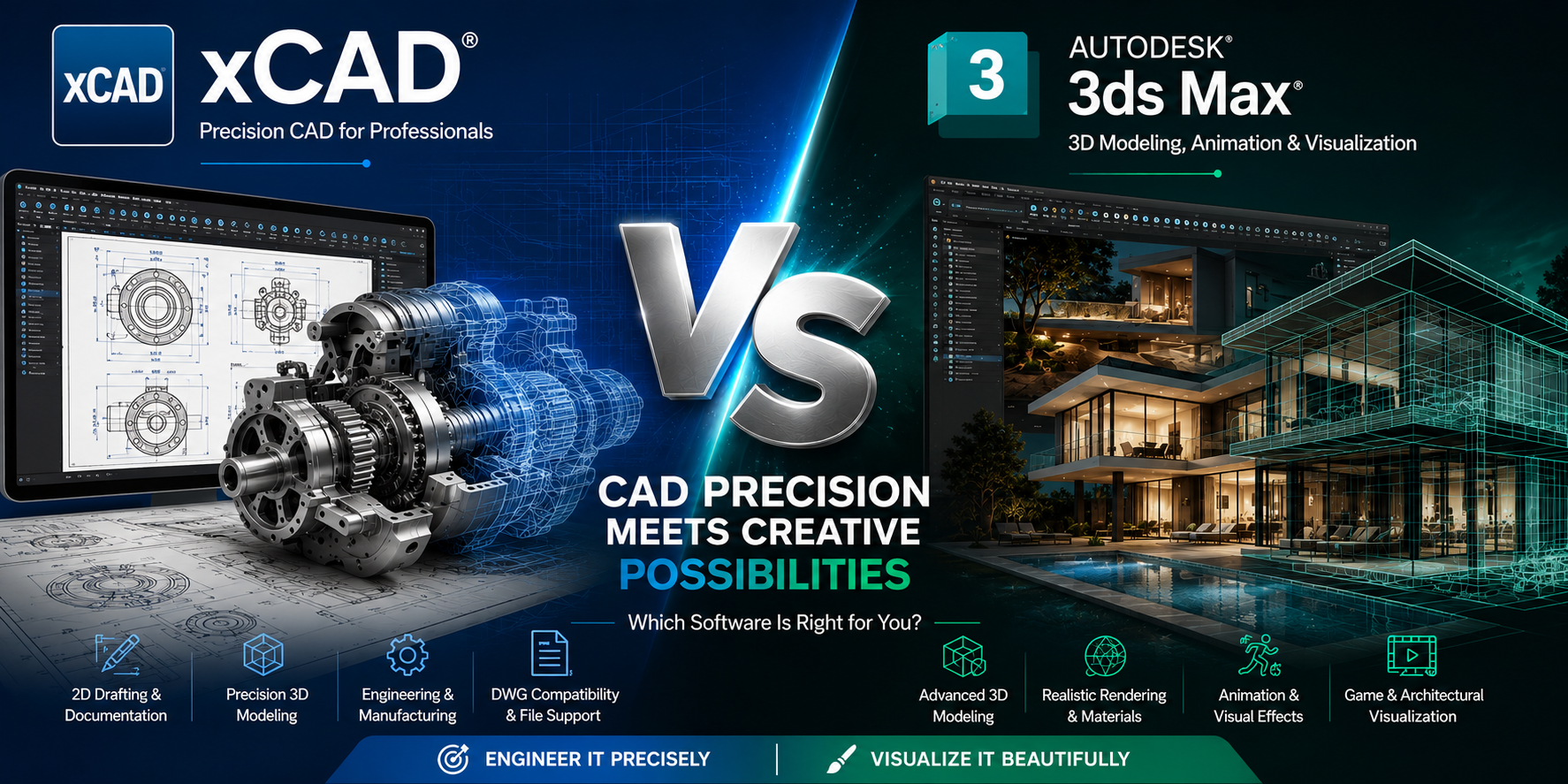
xCAD vs Autodesk 3ds Max: Which 3D Design Software Is Right for You
Introduction Choosing the right 3D design software can significantly impact your productivity, project quality, and overall workflow. Two well-known names in the design industry are xCAD and Auto...
Read more💬Customer Reviews
⭐⭐⭐⭐⭐
xCAD gave us everything we relied on in AutoCAD, without the sticker shock. The transition was smooth, and our team didn’t miss a beat.

- Michael Torres
⭐⭐⭐⭐⭐
For 2D drafting, xCAD does exactly what we need—fast, reliable, and at a fraction of the cost.”

— Pawel Siwek
⭐⭐⭐⭐⭐
xCAD surprised us with how capable it is. For a free, open-source tool, the parametric modeling is incredibly powerful.”

- Zayn Hariz
⭐⭐⭐⭐⭐
xCAD is perfect for teams that want to move beyond drafting into full product development.

- Jason Wise
Need help?
Frequently Asked Questions
We offer three distinct editions engineered for your specific design and drafting needs:
- xCAD® v1 2D: Tailored for precision 2D drafting, blueprint annotations, and rapid layout design.
- xCAD® v1 Professional: Built for advanced production engineering, featuring 3D solid modeling, professional drafting palettes, and ACIS® modeling engine support.
- xCAD® v1 2D3D: Our flagship tier combining full 2D precision drafting and 3D modeling with advanced mechanical/architectural toolsets and high-end photorealistic rendering.
As soon as your checkout is complete, you will receive an instant digital download link via email along with your official xCAD® activation license key. You can install the software and begin designing immediately.
To ensure smooth loading, processing, and rendering of your CAD files, your computer should meet the following technical specifications:
- Operating System: 64-bit versions of Microsoft Windows 11, Windows 10, Windows 8, Windows 7, or Windows Vista.
- Processor (CPU): 1 Gigahertz (GHz) or faster 64-bit (x64) Intel or AMD processor. A newer generation, high-speed CPU is recommended for optimal performance.
- Memory (RAM): A minimum of 8 GB RAM is required. For a significantly improved design experience, 16+ GB RAM is highly recommended.
- Graphics (GPU): For advanced GPU-based modes (OpenCL), you will need an NVIDIA graphics card that supports OpenCL 1.2 (or newer) or NVIDIA’s CUDA version 10.0 (or newer).
- Peripherals: A standard mouse pointing device (a mouse with a wheel button is strongly recommended for easy panning and zooming).
- Internet Connection: While Lifetime licenses do not require a constant connection, an active internet connection is strictly required for subscription customers to maintain and validate the annual license.
Should you require administrative assistance, sales clarification, or precise technical analysis regarding your software workspace configurations, please reach out through our dedicated corporate channels:
- Technical Support: support@xcad3d.com (For bugs, plugin installation, and scripting troubleshooting)
- Sales & Licensing: sales@xcad3d.com (For volume licensing, corporate accounts, and subscription upgrade queries)
- Corporate Headquarters:xCAD Technologies
142-7075 Place Robert-Joncas
Montréal, QC H4M 2Z2
Canada

3MF Import