
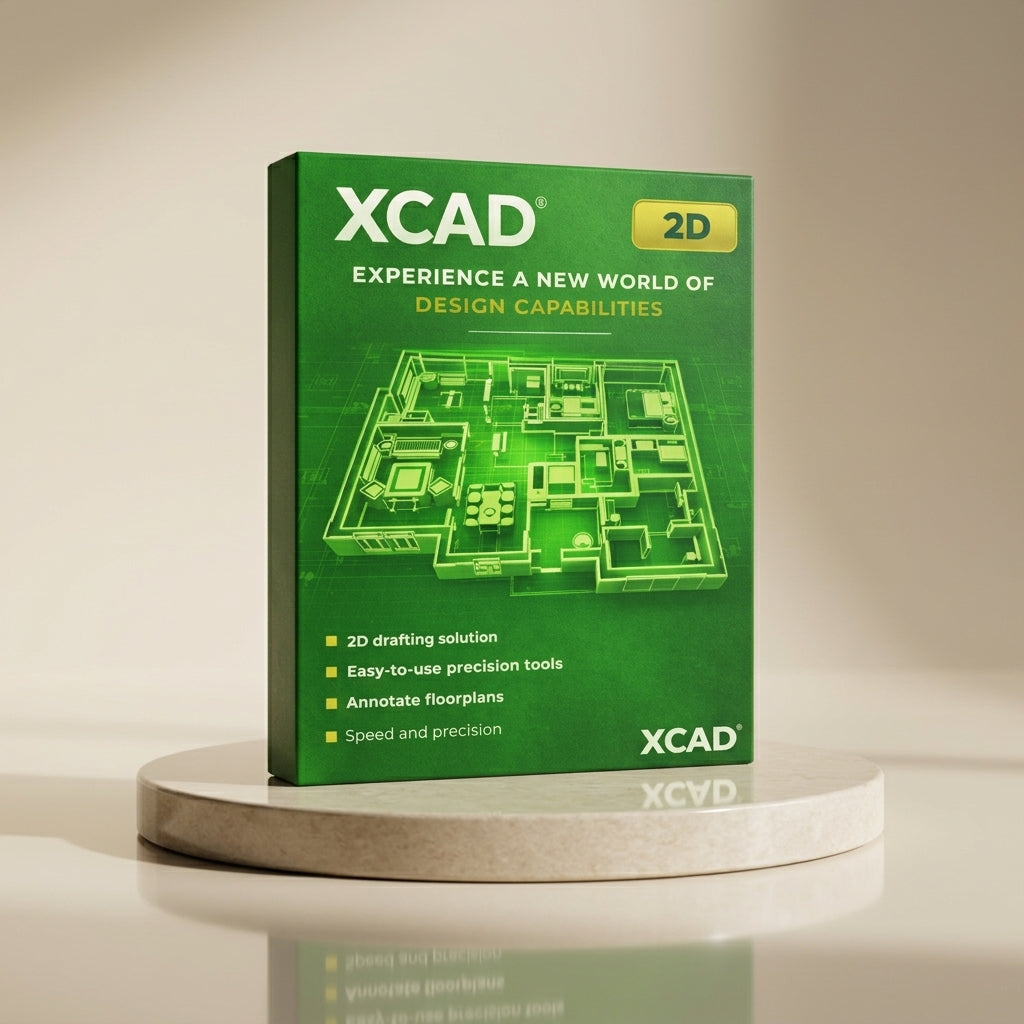
xCAD v1 2D - Lifetime
24/7 Backup Support
Top-Quality Products
Secure
Checkout


1,000++ Happy Customers
Easy & Affordable 2D CAD Software
xCAD 2D is an affordable 2D CAD software for precise drafting, floor plans, technical drawings, and DWG compatibility for professionals and beginners.
Key Features
-
2D Drawing & Editing Tools
-
Comprehensive Toolset: Provides a thorough assortment of line, arc, curve, and spline tools, ensuring you have the appropriate instrument for each drafting job.
-
All-Skill Accessibility: These tools are designed to cater to all levels of expertise, from beginners to advanced users, allowing everyone to create precise and professional drawings with ease.
-

-
Auto Scaling & Rotating Tools
-
Intuitive Manipulation: Adjust and examine your 2D/3D shapes utilizing intuitive side handles that enable effortless scaling and rotation.
-
Fluid Accuracy: With these innovative features, users can achieve remarkable accuracy and fluidity in their designs. This functionality makes it easy to adapt to different project requirements and enhances overall creativity during the design process.
-

-
Smart Dimension Tools
-
Dynamic Measurement: Obtain accurate measurements using Smart Dimension tools, featuring parallel, orthogonal, rotated, and Auto Dimension options.
-
Optimal Flexibility: Allows dimensions to be shown in either imperial or metric units. This versatility ensures that your designs meet not only aesthetic standards but also technical specifications, which is crucial in professional settings.
-

-
Layer Management
-
Digital Overlays: Utilize multiple independent layers that act like traditional drafting overlays but with enhanced digital capabilities, facilitating effective organization and control.
-
Streamlined Control: With layer management, you can isolate specific elements of your project, making it easier to edit without impacting the entire drawing. This feature helps streamline your work process, especially for complex designs.
-

-
Custom UI & Preferences
-
Tailored Workspace: Customize your workspace by modifying toolbars, pop-ups, palettes, and command settings to enhance your workflow and save valuable time.
-
Productivity Boost: By tailoring the interface to suit your personal preferences, you'll find that your productivity dramatically increases, allowing for a seamless and enjoyable design experience.
-

-
Handle-Based Editing
-
Tactile Modification: Enhance and visualize your projects through handle-based editing, simplifying modifications by merely holding and dragging for quick adjustments.
-
Intuitive Workflow: This user-friendly feature not only speeds up the workflow but also provides a more tactile and engaging way to manipulate your designs, making the editing process much more intuitive.
-
xCAD® | System Requirements
Platform Architecture
To deliver maximum performance, xCAD® is engineered natively as a 64-bit application. This architecture fully leverages your system's hardware memory for seamless file loading, high-speed processing, and complex CAD rendering.
Hardware & Operating Specifications
- Operating SystemMicrosoft Windows 11, Windows 10, Windows 8 (64-bit), Windows 7 (64-bit), or Windows Vista (64-bit).
- Memory (RAM)Minimum: 8 GB RAM.Recommendation: 16+ GB RAM paired with a newer-generation, high-speed CPU will significantly elevate your performance and design experience.
- Processor (CPU)1 Gigahertz (GHz) or faster 64-bit ($x64$) Intel or AMD processor.
- Graphics & Acceleration (GPU)OpenCL (GPU-based) modes require an NVIDIA graphics card or GPU supporting OpenCL 1.2 or newer, or NVIDIA’s CUDA version 10.0 or newer.
- PeripheralsStandard Mouse Pointing Device (a mouse with a clickable scroll wheel is highly recommended for viewport navigation).
Choose options

3MF Import