
Solutions
3D Printing - A Leap Into the Future
3D Printing, commonly referred to as Additive Manufacturing, involves the creation of 3D objects, from tiny living cells to massive structures. Whether executed at a large-scale industrial level or by individual enthusiasts, 3D Printing presents numerous advantages that traditional manufacturing techniques or prototyping simply cannot match:
Speed & Cost-Effectiveness
Tailorable Solutions
Variability in Design
Minimized Waste & Increased Energy Efficiency
Innovative Business Models

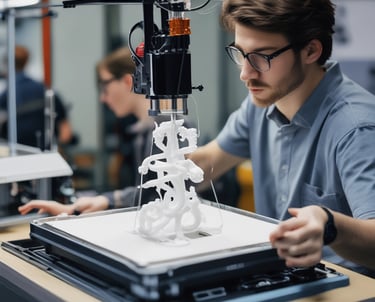
Conceptual Design - From Initial Idea to Prototyping
Before presenting any next generation and disruptive product to the world, it is vital to prototype and iterate over the creation process of that product. Designers conceptualize the capabilities and user experience of the hardware to be built.
xCAD products perfectly fit the puzzle to make your dream creation into a reality. We enable you to your work with various mediums and types of conceptual design data that includes sketches, images, Adobe® Photoshop® or Adobe® Illustrator® files, 3D scans, and existing 2D and 3D CAD data.
Software for Mechanical Design & Manufacturing
Mechanical Design, sometimes called Mechanical Engineering, is the discipline that applies engineering, physics, and materials science principles to the design, analysis, and manufacturing of mechanical parts, assemblies and systems. Mechanical designs provide important information including geometry, design intent, dimensions and tolerances, materials, animations, and processes.
Mechanical designs using CAD may be used to design surfaces and solids in two-dimensional (2D) and three dimensional (3D) spaces to convey the mentioned information. xCAD’s CAD products will assist you in making the right creations, modifications, and optimizations to your mechanical designs. They will enable you to accurately draw your designs and ensure project specifications are met, whether you are a hobbyist or DIYer, or a mechanical engineering professional.

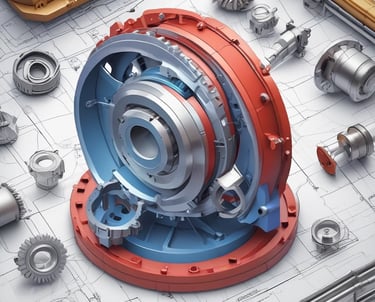
Sheet Metal Design Software
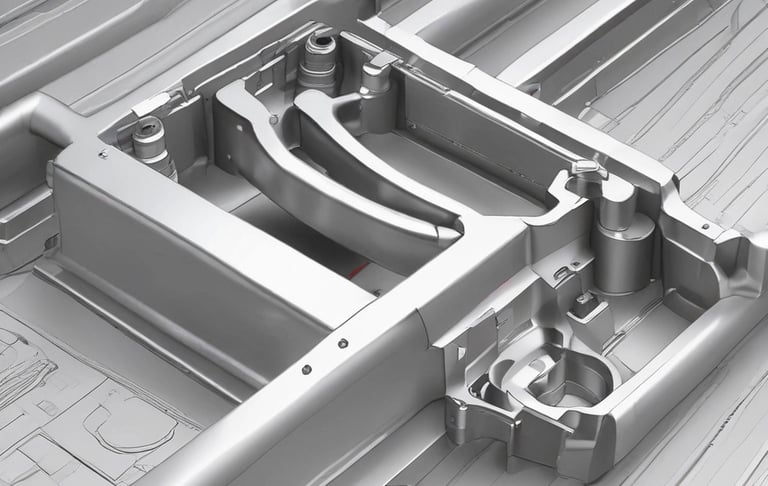
This material finds applications across various sectors of metalworking, including automotive and aerospace production, roofing, and HVAC products. The manufacturing process heavily relies on 3D mechanical design software.
In recent versions, xCAD has incorporated robust 3D modification tools that are perfectly designed for sheet metal design. Additionally, with xCAD's extensive compatibility with CAD file formats such as STEP, IGES, SAT, and DWG, users can import and further refine pre-existing designs. Once finalized, sheet metal components can be exported to a DXF format, which is compatible with most CAM software systems for CNC manufacturing.
Features in xCAD that are particularly beneficial for sheet metal products include Bend and Unbend, Tube Bend and Tube Flange generation, Imprint, Unfold and Tweak Faces, as well as Hole creation.
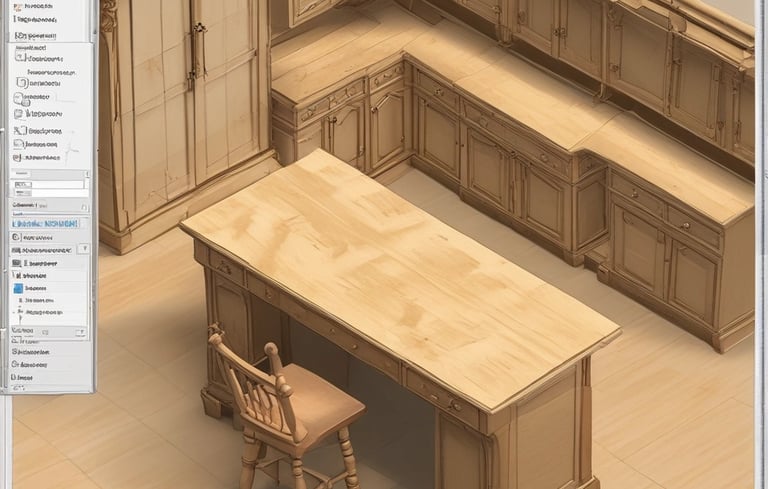
Woodworking & Furniture Design Software
The art and profession of woodworking and furniture design require both stunning and technically proficient designs. For tailored 2D and 3D furniture and cabinetry design endeavors, xCAD's CAD software offers tools that can assist you in achieving your objectives.
Parametric woodworking symbols, automated room and object dimensioning, and streamlined disassembly of your designs, along with exquisite 3D rendering, will enhance your planning and visualization of your creations. Easily convert data from your woodworking designs into material lists and cut patterns, and share your files in standard DWG/DXF formats for cross-platform collaboration.
CAD Applications for Architectural Design
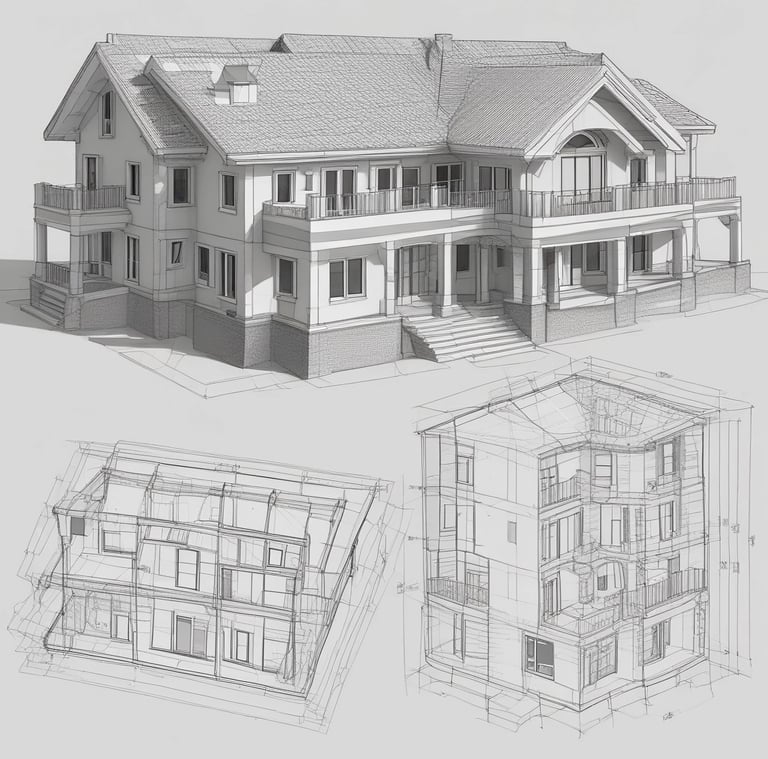
Contemporary Architectural Design focuses heavily on digital, computer-aided design. Mastery of CAD tools is essential for success in the Architectural Design industry.
xCAD’s applications for CAD and home design enable you to produce comprehensive and precise architectural plans as well as working documents utilizing the specialized tools available in the software. You can create, import, and modify designs in both 2D and 3D, and view them in wireframe, hidden line draft, or photorealistic formats.
xCAD provides an extensive array of architectural design tools that not only expedite your design and drafting processes but also create an environment for delivering high-quality work grounded in precision and accuracy.
Our xCAD for Windows suite features a House Wizard, enabling you to swiftly design a layout that includes bedrooms, kitchens, living rooms, bathrooms, hallways, windows, and doors. Additionally, xCAD comes equipped with intelligent architectural elements like windows, doors, walls, stairs, slabs, and roofs, all of which fit together seamlessly in an efficient design workflow. The editing tools facilitate complete dimensioning, customization of openings, material lists, and a choice of numerous architectural materials to create stunning visual renderings. It also supports compatibility with various Architectural Design formats, such as IFC (Industry Foundation Class), DGN (MicroStation), and SKP (SketchUp), ensuring improved cross-platform usability.

Contact
Reach out for support or inquiries.
SUPPORT: support@xcad3d.com
© 2026. xCAD Technologies. All rights reserved.
SALES: sales@xcad3d.com
Products
Policies
Address: 142-7075 Place Robert-Joncas, Montréal QC H4M 2Z2, Canada


Founded in 2013, xCAD delivers powerful yet affordable CAD and home design software, and has been a pioneer AEC (Architecture, Engineering, and Construction) industry for over a decade.