
xCAD vs. AutoCAD: Why More CAD Professionals Are Choosing xCAD

Introduction
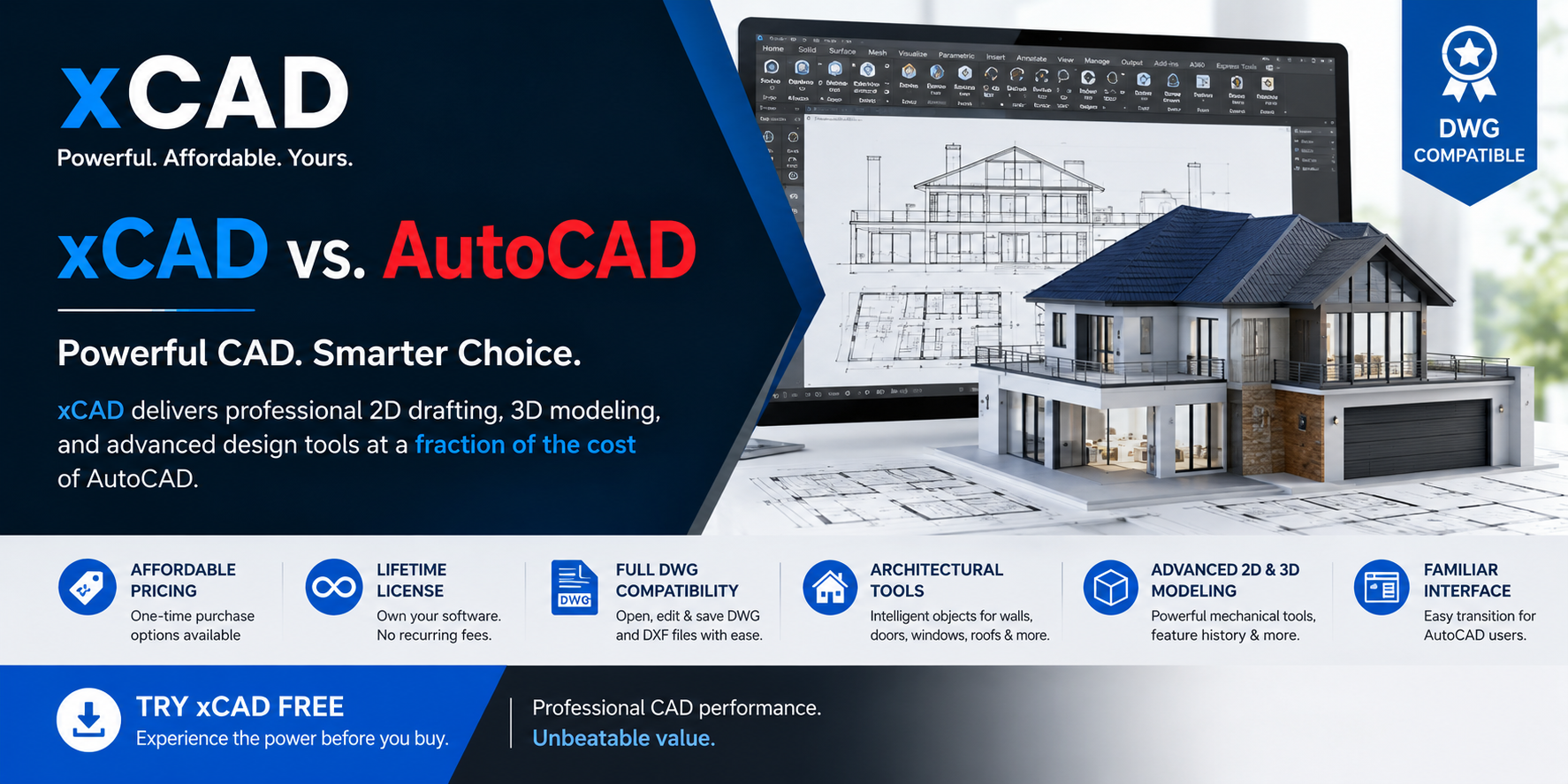
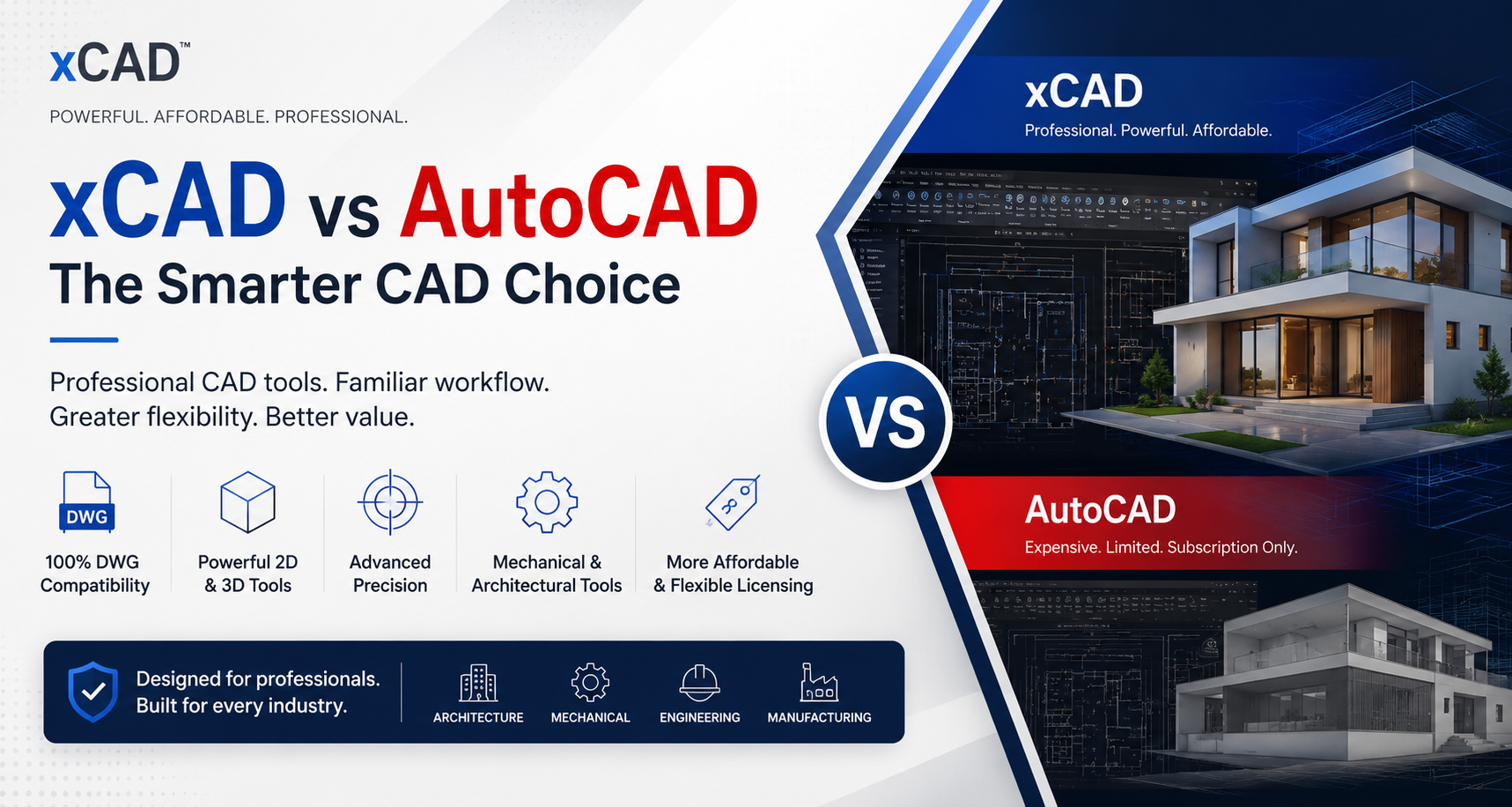
When selecting CAD software, professionals want powerful features, broad file compatibility, and affordable pricing. While AutoCAD remains a popular industry standard, xCAD offers a modern, cost-effective alternative with advanced 2D drafting, 3D modeling, architectural, and mechanical design tools—all without the burden of expensive subscriptions.
Why Choose xCAD?
Whether you're an architect, engineer, product designer, manufacturer, or CAD professional, choosing the right software can significantly impact your productivity and budget. xCAD is built to deliver professional-grade CAD capabilities without the high costs associated with traditional CAD platforms. Here's why thousands of professionals are making the switch.
1. Exceptional Value Without Compromise
One of xCAD's biggest advantages is its outstanding value. While many professional CAD applications require expensive annual subscriptions, xCAD delivers a comprehensive suite of drafting, modeling, and design tools at a much lower cost.
Despite its affordable pricing, xCAD doesn't sacrifice performance or functionality. It includes advanced 2D drafting, intelligent 3D modeling, rendering, architectural tools, and mechanical design capabilities suitable for both professionals and businesses.
Whether you're a freelancer, startup, educational institution, or large engineering company, xCAD helps reduce software costs while maintaining professional-quality results.
Benefits
- Lower total cost of ownership
- Professional-grade CAD tools
- Ideal for individuals and businesses
- Excellent return on investment
2. Flexible Licensing with Lifetime Ownership
Unlike many CAD solutions that only offer subscription-based licensing, xCAD gives users the freedom to choose the licensing model that best fits their needs.
You can purchase a perpetual (lifetime) license, allowing you to own the software with a single payment and continue using it without recurring monthly or annual fees. For organizations that prefer predictable operational expenses, subscription plans are also available.
This flexibility gives businesses greater control over their software investments and long-term budgeting.
Benefits
- One-time purchase option
- No mandatory annual renewals
- Flexible subscription plans
- Lower long-term software costs
3. Industry-Standard DWG & DXF Compatibility
File compatibility is essential in today's collaborative design environment. xCAD provides comprehensive support for industry-standard DWG and DXF file formats, allowing users to open, edit, save, and exchange drawings with confidence.
Whether you're collaborating with AutoCAD users, consultants, contractors, manufacturers, or clients, xCAD ensures your files remain accurate and compatible throughout your workflow.
This eliminates unnecessary file conversion issues and improves collaboration across teams.
Benefits
- Open and edit DWG files
- Import and export DXF files
- Smooth collaboration with other CAD platforms
- Preserve drawing accuracy
4. Powerful Architectural Design Tools
xCAD is equipped with intelligent architectural features that help architects, home designers, and construction professionals complete projects more efficiently.
Instead of manually drawing every building element, users can work with smart architectural objects such as walls, doors, windows, roofs, slabs, and floor plans. These intelligent tools automatically adapt to design changes, reducing repetitive work and improving design accuracy.
The software also simplifies residential, commercial, and renovation projects by accelerating the drafting process while maintaining professional standards.
Features include
- Intelligent wall creation
- Automatic door and window placement
- Roof design tools
- Floor planning
- Building layout tools
- Architectural object libraries
5. Advanced Mechanical Design & 3D Modeling
xCAD offers a complete set of mechanical CAD tools designed for engineers, manufacturers, product designers, and industrial professionals.
Users can create detailed 2D technical drawings or develop complex 3D solid models with precision. Advanced modeling tools allow users to build mechanical components, assemblies, and production-ready designs efficiently.
Feature history editing enables modifications without recreating models, significantly improving productivity during product development.
Mechanical design capabilities include:
- Precision 2D drafting
- Advanced 3D solid modeling
- Parametric modeling
- Assemblies
- Feature history editing
- Surface and solid modeling
- Manufacturing-ready designs
Whether you're designing machine parts, industrial equipment, consumer products, or engineering components, xCAD provides professional tools for every stage of development.
6. Familiar and Easy-to-Learn User Interface
Switching CAD platforms shouldn't slow down your workflow. xCAD features an intuitive interface designed to feel familiar to users coming from traditional CAD applications.
Its organized toolbars, customizable workspaces, ribbons, command line support, and keyboard shortcuts help users become productive quickly with minimal training.
New users benefit from a clean, modern interface, while experienced CAD professionals appreciate the flexibility to customize the workspace according to their preferences.
Benefits
- Minimal learning curve
- Familiar CAD workflow
- Customizable workspace
- Increased productivity
- Faster transition from AutoCAD
Built for Every Industry
xCAD is trusted by professionals across multiple industries, including:
- Architecture
- Mechanical Engineering
- Civil Engineering
- Manufacturing
- Product Design
- Interior Design
- Construction
- Education
- Industrial Design
- Technical Drafting
The Smart Alternative to AutoCAD
xCAD combines professional performance, flexible licensing, industry-standard file compatibility, and advanced design tools into one powerful CAD solution. Whether you're creating architectural floor plans, mechanical assemblies, engineering drawings, or complex 3D models, xCAD provides everything you need—without the premium subscription costs.
If you're looking for a reliable, feature-rich, and affordable CAD platform, xCAD is the smart choice for modern design professionals.


Written by xCAD 2D3D


Leave a comment
This site is protected by hCaptcha and the hCaptcha Privacy Policy and Terms of Service apply.